🎯 Rise of Kingdoms Map Maker
Upload your Rise of Kingdoms map image and start planning your tactics
Pre-loaded Maps
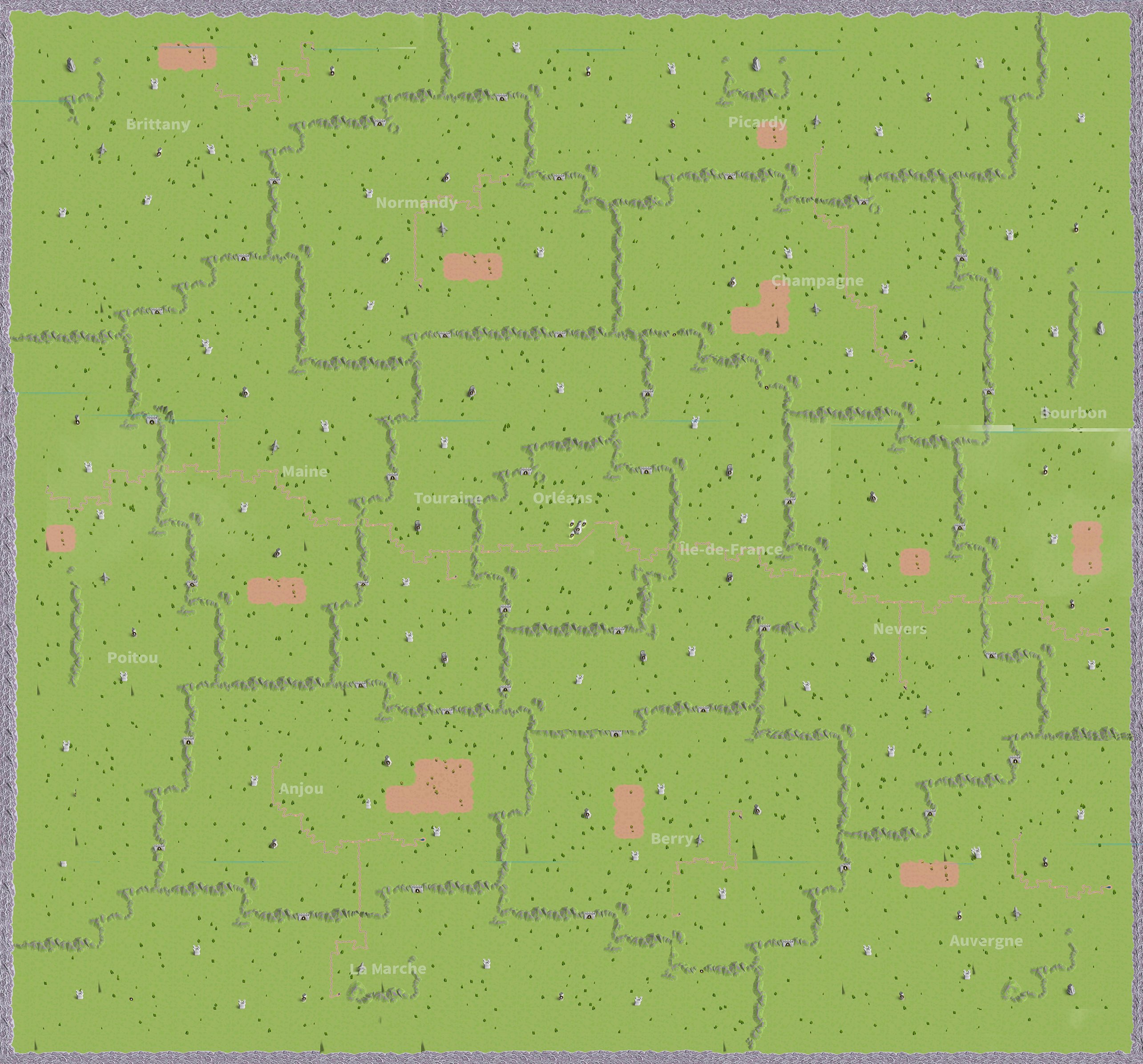
Siege_of_Orleans
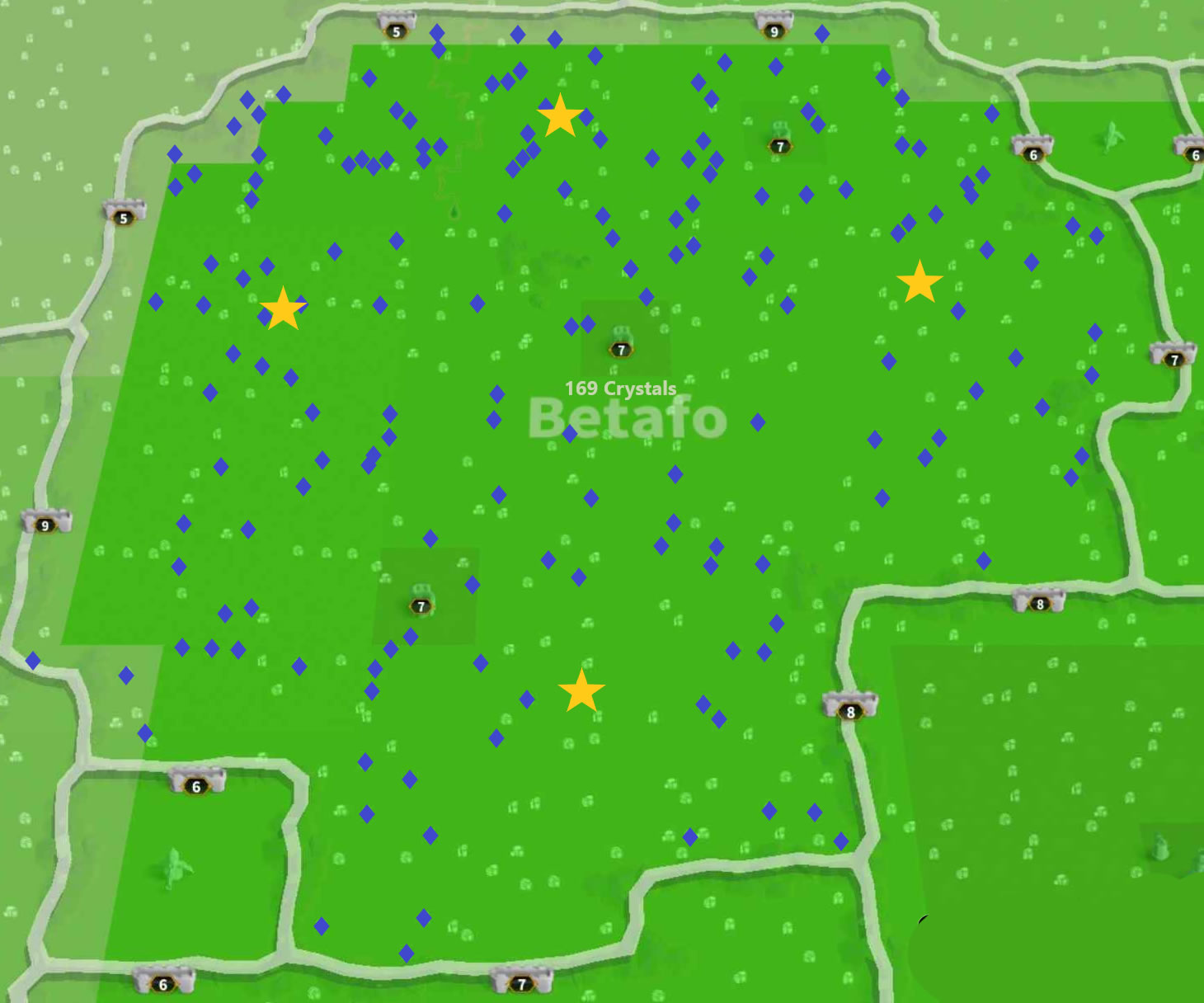
Troy_Betafo_Crystals
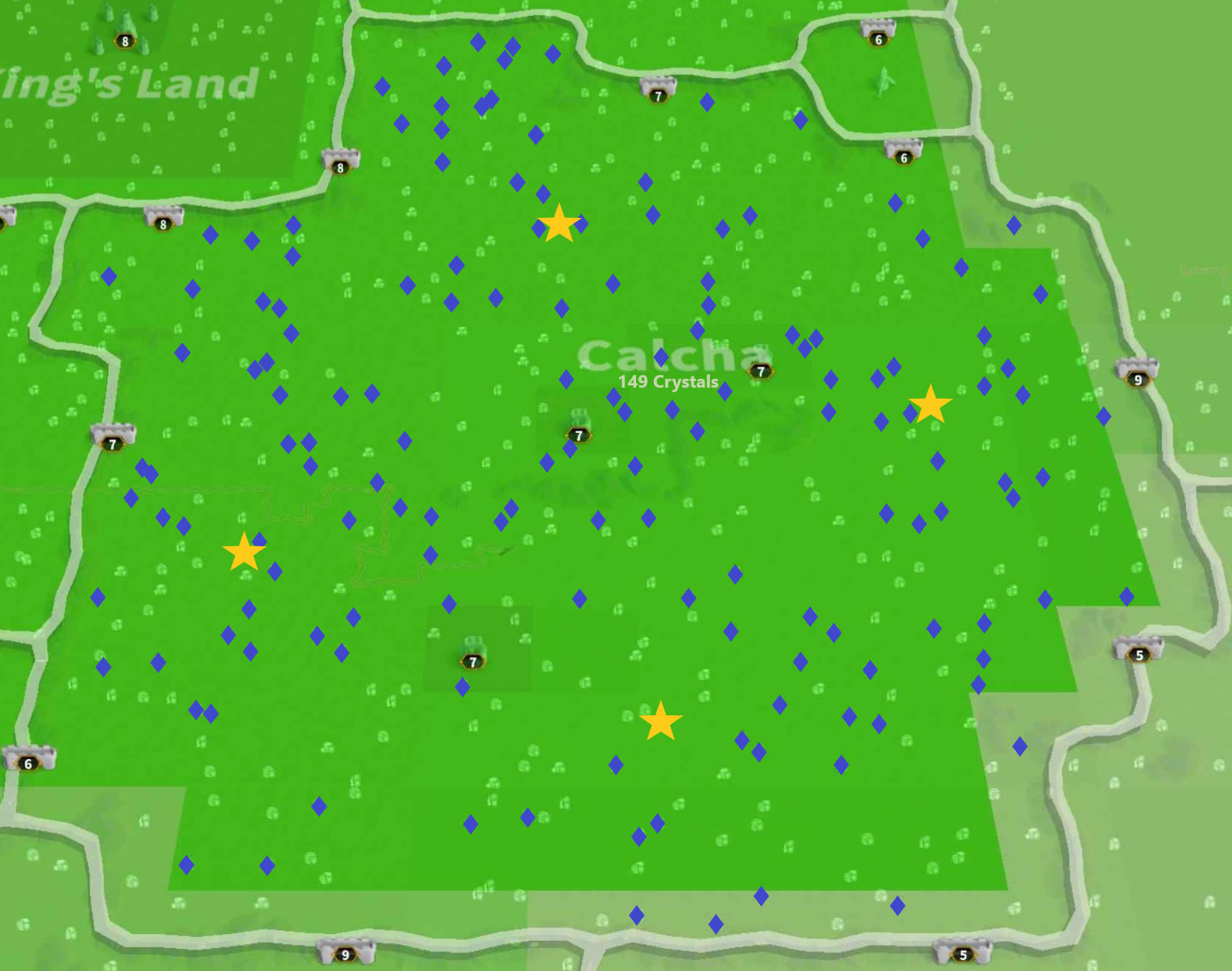
Troy_Calcha_Crystals
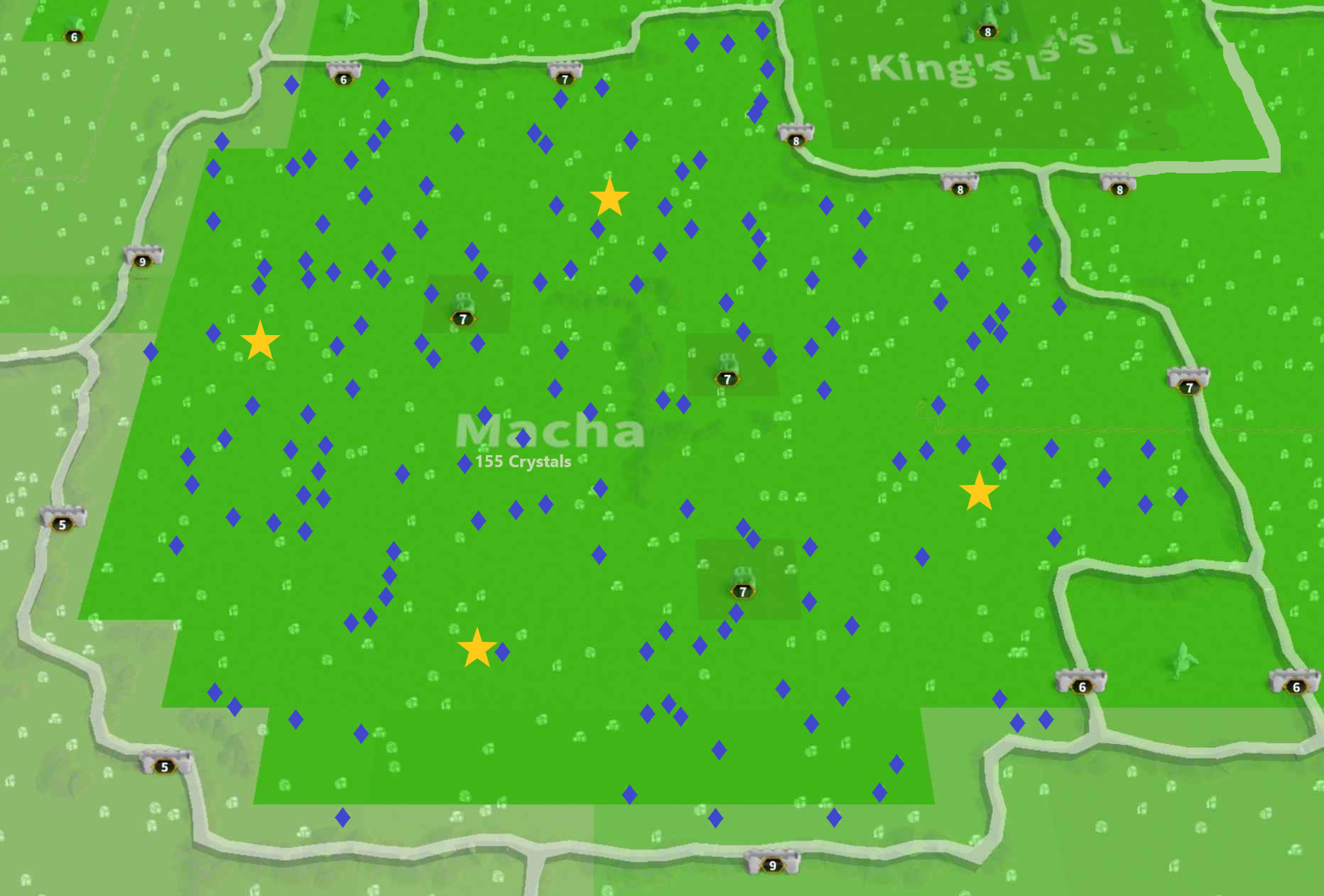
Troy_Macha_Crystals
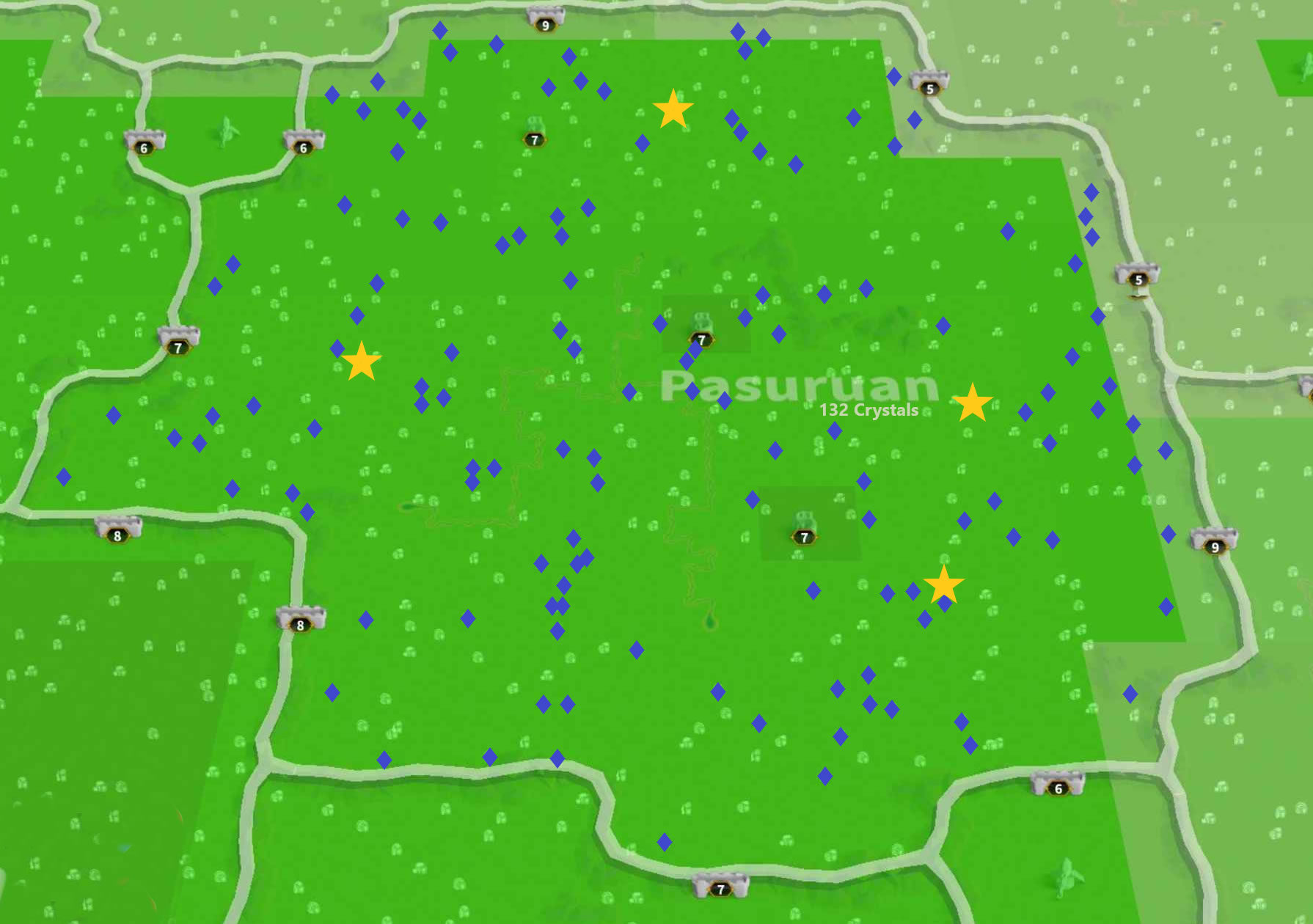
Troy_Pasuruan_Crystals
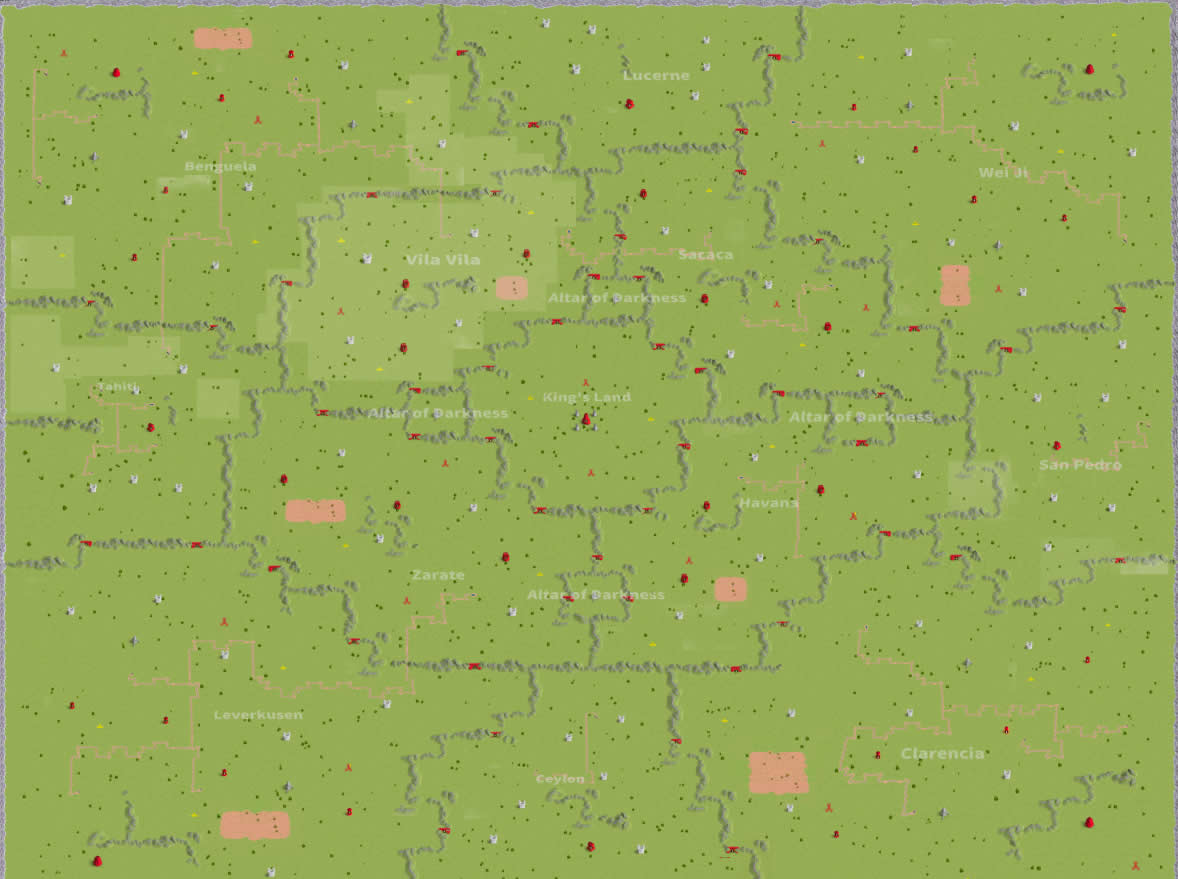
heroic_anthem
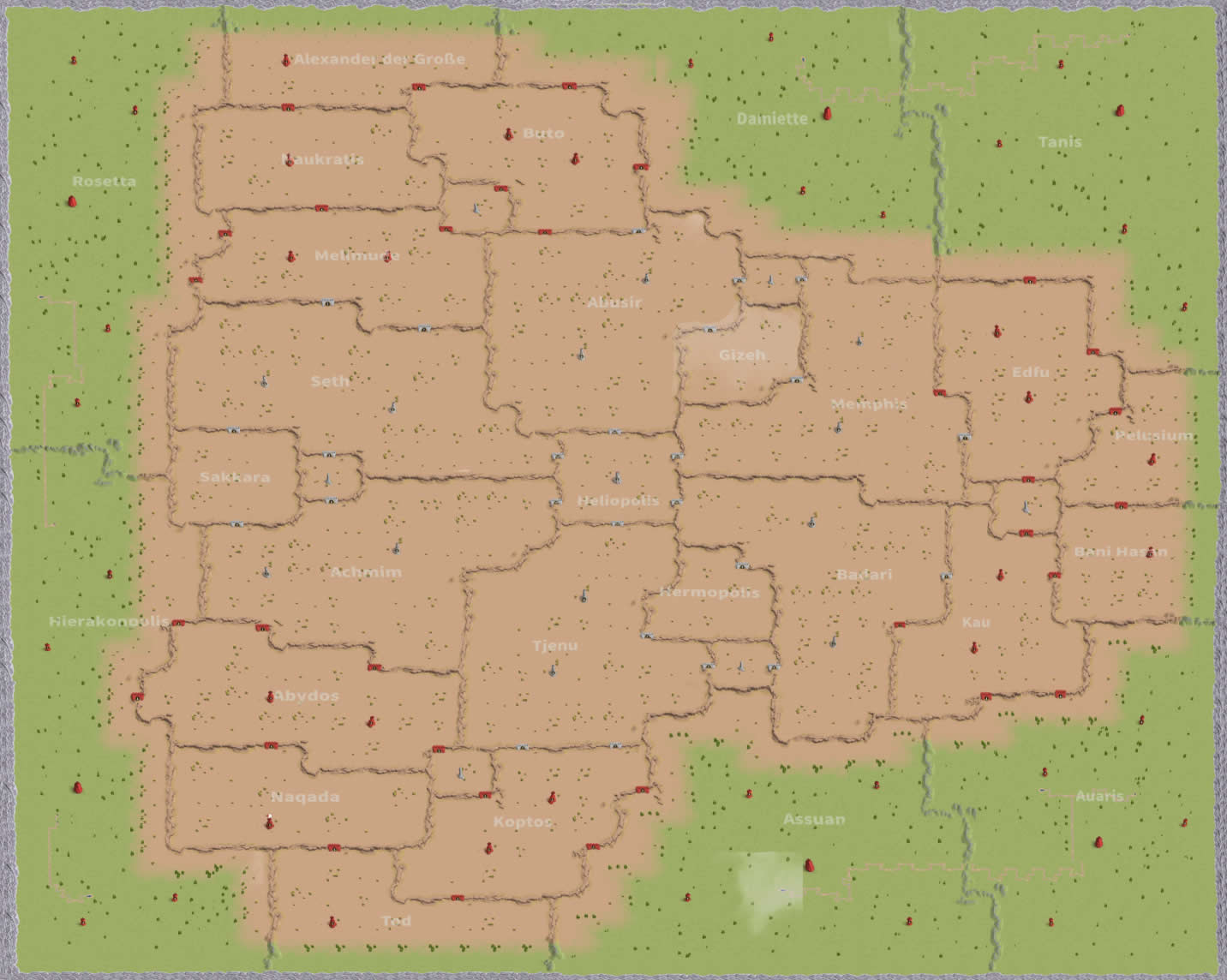
king_of_the_nile
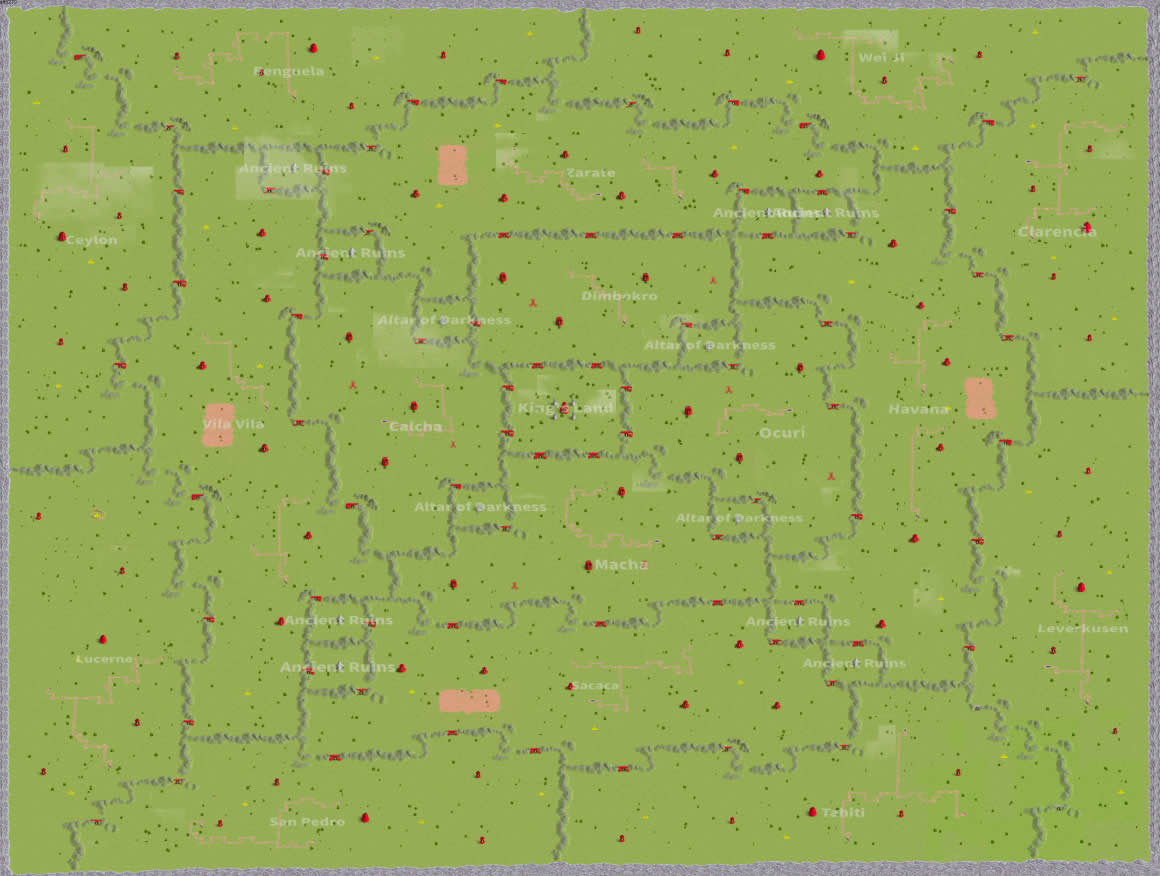
light_and_darkness
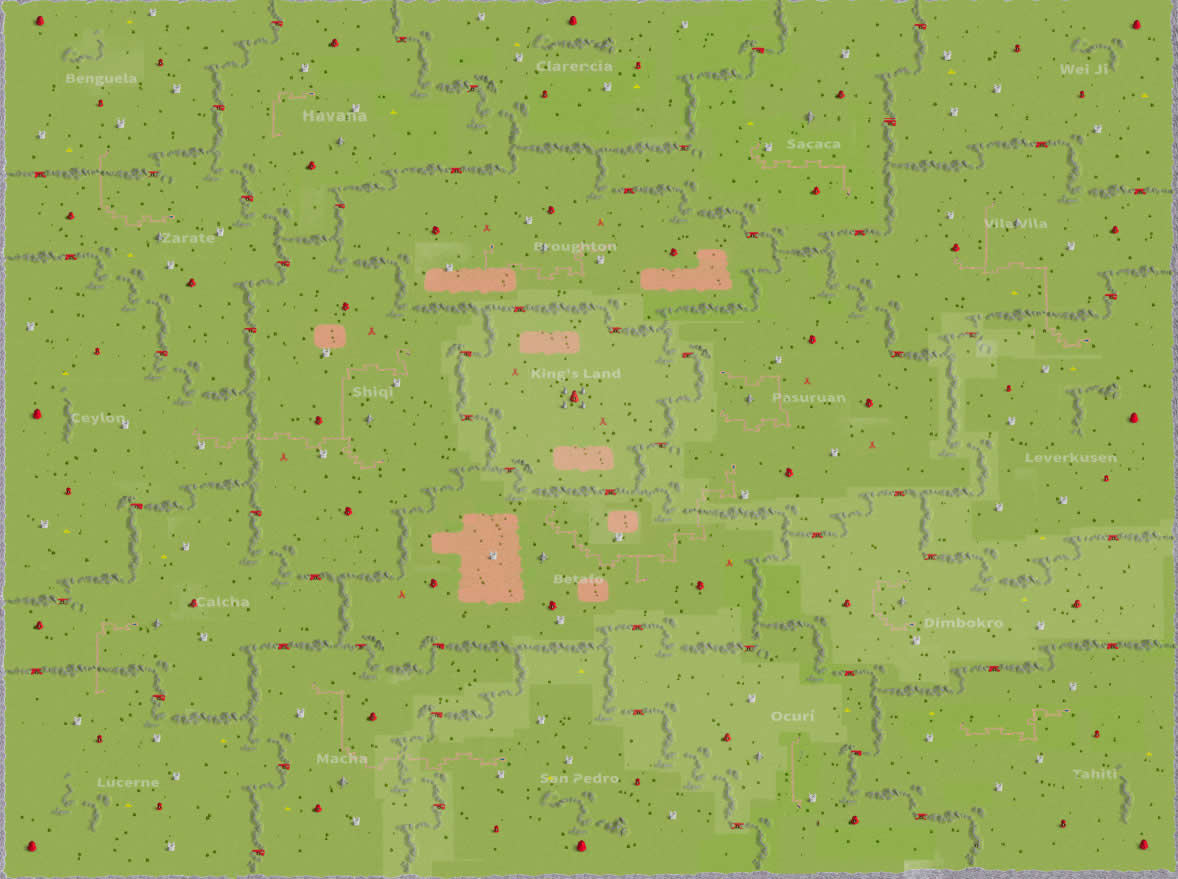
strife_of_eight
Upload Map Image
📋 Instructions
- Upload a screenshot or image of your Rise of Kingdoms map
- Supported formats: JPG, PNG (max 10MB)
- After upload, you'll be able to add tactical markers, icons, and annotations
- Assign colors to different kingdoms and camps
- Pick a colour, carpet a section with ▭, then change colour for the next box (40% transparency)
- Export your finished tactical plan as a PNG image
📱 Install on Your Device
Install this app on your device for quick access and offline use:
📱 Android (Chrome)
- Open this page in Chrome browser
- Tap the menu (⋮) in the top right
- Select "Install app" or "Add to Home screen"
- Confirm installation
🍎 iOS (Safari)
- Open this page in Safari
- Tap the Share button (square with arrow)
- Scroll down and tap "Add to Home Screen"
- Tap "Add" to confirm
💻 Desktop (Chrome/Edge)
- Look for the install icon (➕) in the address bar
- Click "Install" when prompted
- Or use menu → "Install RoK Tactical Map Planner"